Thymis Modules
Thymis modules are the building blocks of device configurations, allowing you to define how your devices should be configured and what software they should run. Each module provides a set of settings and configurations that can be applied to devices or tags, enabling you to create reusable and shareable device configurations.
Built-in Modules
Thymis comes with several built-in modules that cover common use cases for IoT device management.
Device
The Device module provides essential settings for all Thymis-managed devices. This module is required for every device configuration and includes:
- System settings: Hostname, timezone, and locale configuration
- Network configuration: WiFi settings, static IP configuration, and DNS settings
- User management: Configuration for the default user account
- Security settings: SSH access configuration and password policies
- System services: Configuration for essential system services
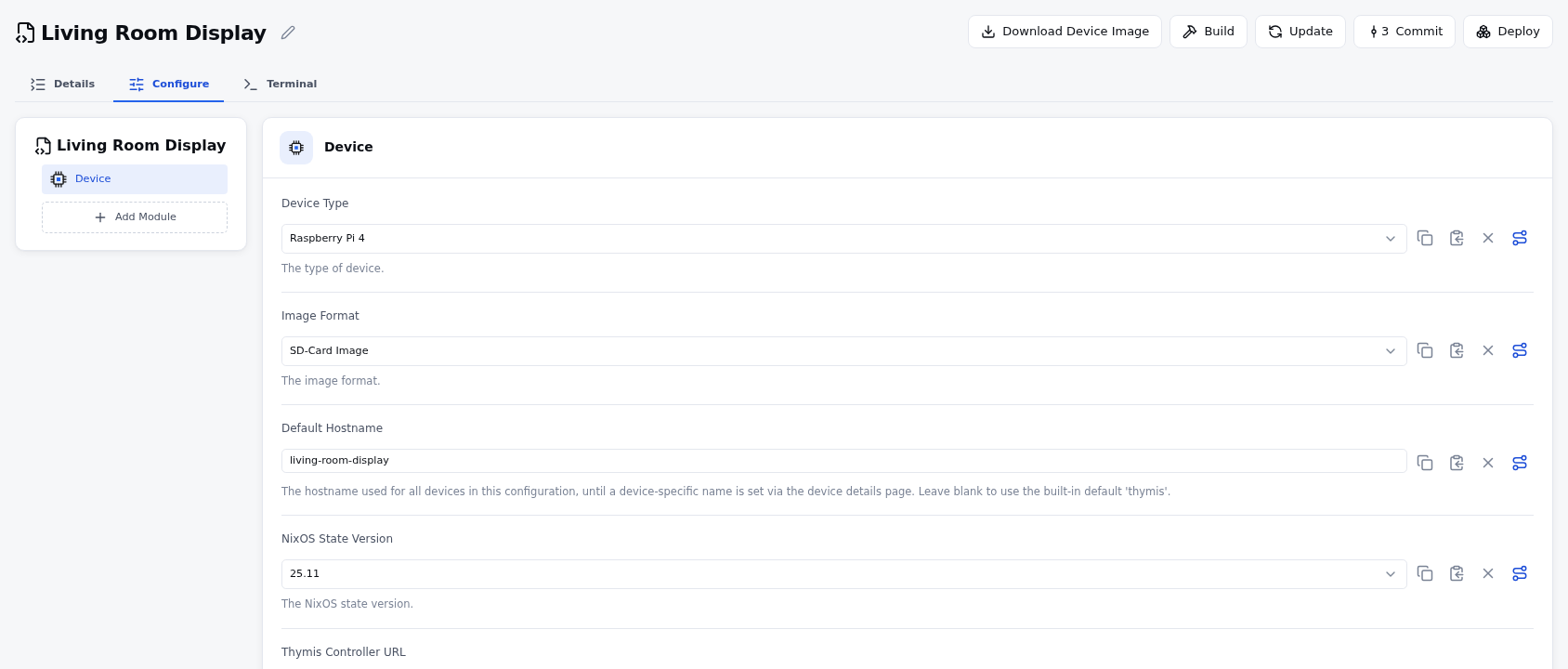
This module must be added to every device configuration and cannot be removed. It provides the foundation upon which other modules build their configurations.
Kiosk
The Kiosk module is designed for devices that need to run a single application in fullscreen mode, such as digital signage or information displays. It includes:
- Display settings: Configuration for screen resolution and orientation
- Window manager: Pre-configured i3 window manager optimized for kiosk mode
- VNC server: Optional remote access for monitoring and control

The Kiosk module is ideal for devices that need to run a single application without user intervention or additional desktop interfaces.
OCI-Containers
The OCI-Containers module allows you to deploy and manage containerized applications on your devices. It includes:
- Docker integration: Configuration for Docker daemon and container management
- Container deployment: Definition of containers to run on the device
- Network configuration: Container networking options and port mappings
- Storage management: Volume configuration and persistent storage options
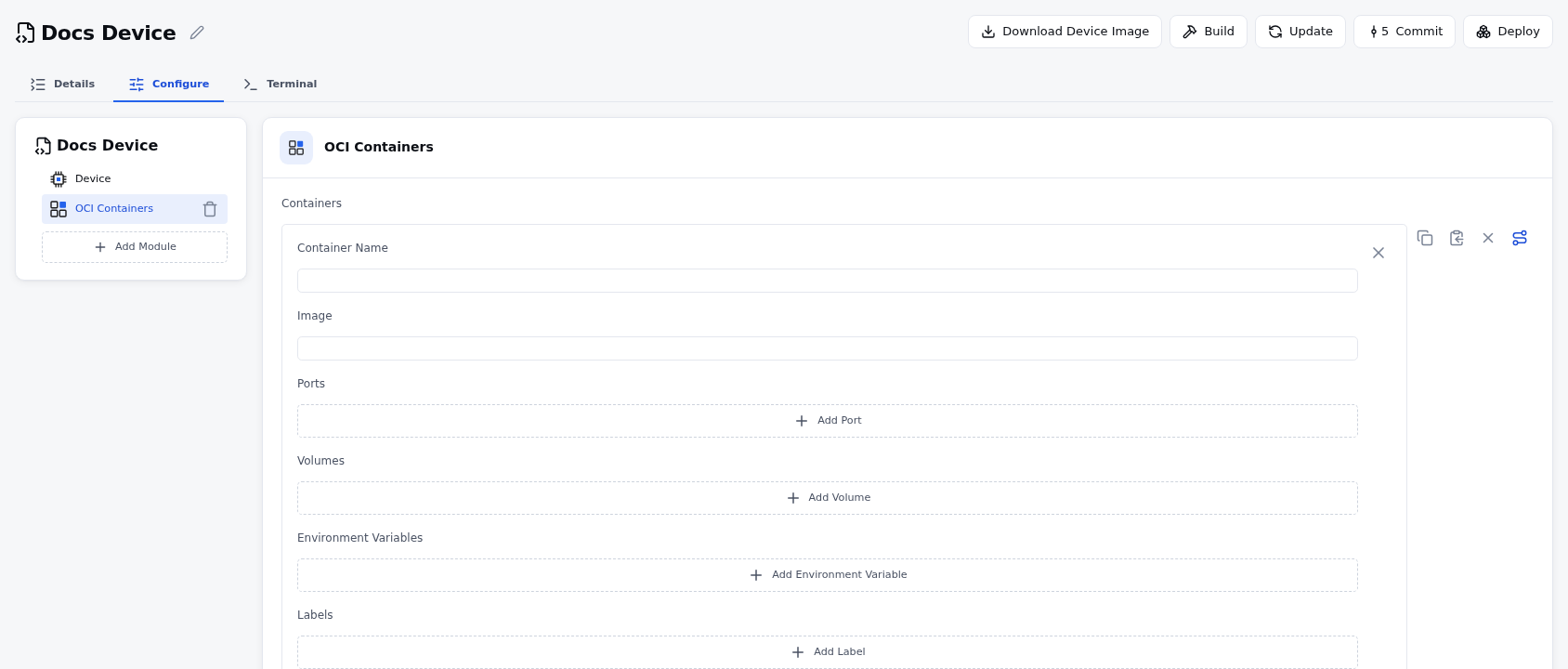
This module enables you to run isolated applications in containers, simplifying application deployment and dependency management.
Custom Nix Module
The Custom Nix Module provides advanced users with the ability to write custom NixOS configuration directly in the Thymis UI. This module is ideal for:
- Advanced configuration: Settings not available through other modules
- Custom package management: Installing specific packages not available in the module system
- System service configuration: Defining custom systemd services
- Hardware-specific settings: Configuration for specialized hardware
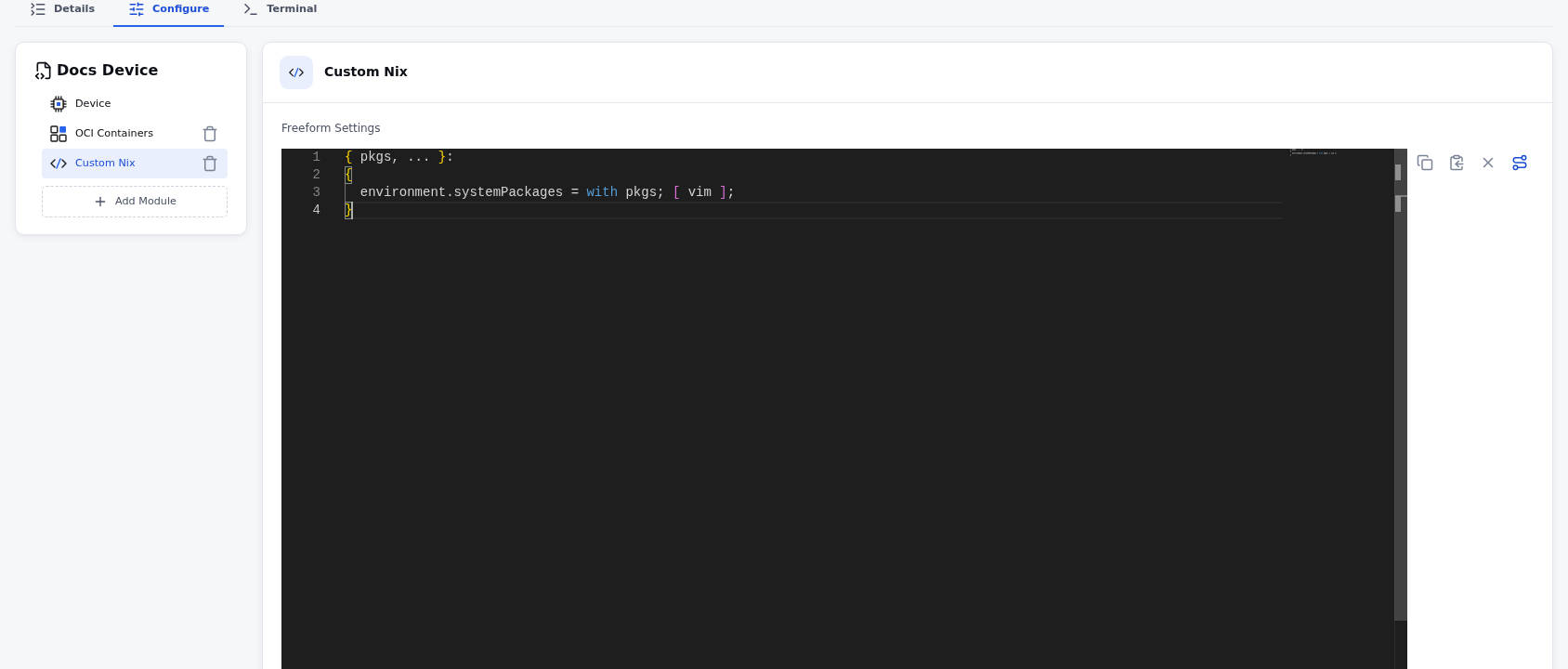
The Custom Nix Module accepts raw Nix expressions that are included directly in the device’s NixOS configuration, giving you full control over your device’s configuration.
Creating Custom Modules
In addition to the built-in modules, you can create your own custom modules to suit your specific needs. Custom modules can be written in Python or Nix and can include:
- Custom settings: Define your own configuration options
- Application deployment: Package and deploy your own applications
- Hardware integration: Configure specialized hardware
- Service management: Define and manage custom services
For more information on creating custom modules, see Creating your first Thymis module.
Module Priority and Inheritance
When multiple modules are applied to a device, their configurations are merged based on a priority system:
- Device-specific configurations have the highest priority
- Tag configurations have medium priority
- Module defaults have the lowest priority
This priority system ensures that device-specific settings can override tag settings, which can in turn override module defaults.
Settings of a Module From an External Repository
The settings of a module are merged by the NixOS module system, so that a tag and a device configuration can each set different fields of the same module, and a setting a source does not set keeps the value of the source that does. A module takes part in that by declaring where its settings live in the generated configuration:
class MyModule(thymis_controller.modules.Module):
    # namespace of this module's settings in the generated nix
    settings_namespace = "my-module"

    url = thymis_controller.modules.Setting(
        display_name="URL",
        # where the setting is written; keep `thymis.config.<namespace>.<name>`
        nix_attr_name="thymis.config.my-module.url",
        type="string",
        default="https://example.com",
    )

    containers = thymis_controller.modules.Setting(
        display_name="Containers",
        nix_attr_name="thymis.config.my-module.containers",
        # elements that are entities of their own merge per element, keyed by
        # this field of the element
        type=thymis_controller.modules.ListType(
            settings={...}, element_name="Container", element_key="name"
        ),
    )
The controller writes every setting as lib.mkOverride <priority> definitions and publishes
the priority of each setting as thymis.config._priority.<namespace>.<name>, so the module
derives its NixOS configuration from the merged settings and keeps the priority:
    # the nix code that derives the configuration from the merged settings; the
    # controller writes it into the `modules` directory of the project
    nix_derivation_source = """
{ config, lib, ... }:
let
  settings = import ../module-settings.nix { inherit config lib; };
in
{
  systemd.services.my-service.description =
    settings.apply "my-module" "url" "https://fallback";
}
"""

    def write_nix_settings(self, f, path, module_settings, priority, project):
        # the settings of this module instance, with their priorities
        super().write_nix_settings(f, path, module_settings, priority, project)
The helpers in module-settings.nix (settings, value, isSet, priority, priorityOf, used, lowestPriority, apply, override, overrideOf) are documented in Thymis Module; the
controller copies the file into the modules directory of the project next to the
derivation, so the derivation imports it relative to itself. Instead of providing the
derivation as source, a module can ship a NixOS module in its own repository and import it:
the flake outputs of an external repository are available as inputs.<input-name> in the
generated configuration, so imports = [ inputs.<input-name>.nixosModules.my-module ]; is
enough (and that nix module imports the helpers from the modules directory of the
project).
Two things to keep in mind:
- Configuration derived from several settings at once (for example a file built from a URL
and a title) should use
settings.overrideOf/settings.lowestPriority, so it carries the lowest priority of the settings it comes from. - A list option that other modules contribute to as well (
systemd.tmpfiles.rules, firewall ports, authorized keys) must be written withoutlib.mkOverride, because a priority on a list option replaces the definitions of all other sources instead of merging with them.